
Steps

  1. Verify Helper connection — Check the connection status in the right panel.
  2. Click Run — In the right panel under Meshes, click the Run button.
  3. Monitor progress — The progress bar shows the current stage:
    • Initializing — Preparing volume data
    • Segmenting — AI model inference (this is the longest step)
    • Converting — Generating 3D meshes from segmentation labels
  4. View results — Segmentation meshes appear automatically on the 3D volume.
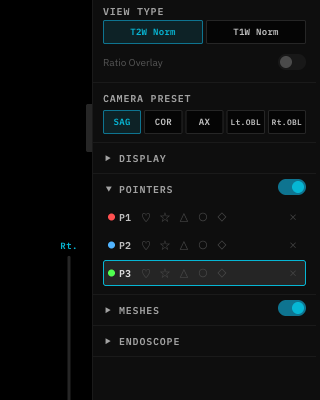
Segmentation in progress

Cancellation

Click the Cancel button next to the progress bar to stop a running segmentation.

Constraints

  • Recording blocks segmentation: You cannot run segmentation while screen recording is active.
  • Segmentation blocks recording: You cannot start recording while segmentation is running.

Caching

Segmentation results are cached locally. If you reload the same scan, previously computed results are restored instantly without re-running the AI model.