

Starting a Recording
- Click the Record button (red) in the toolbar.
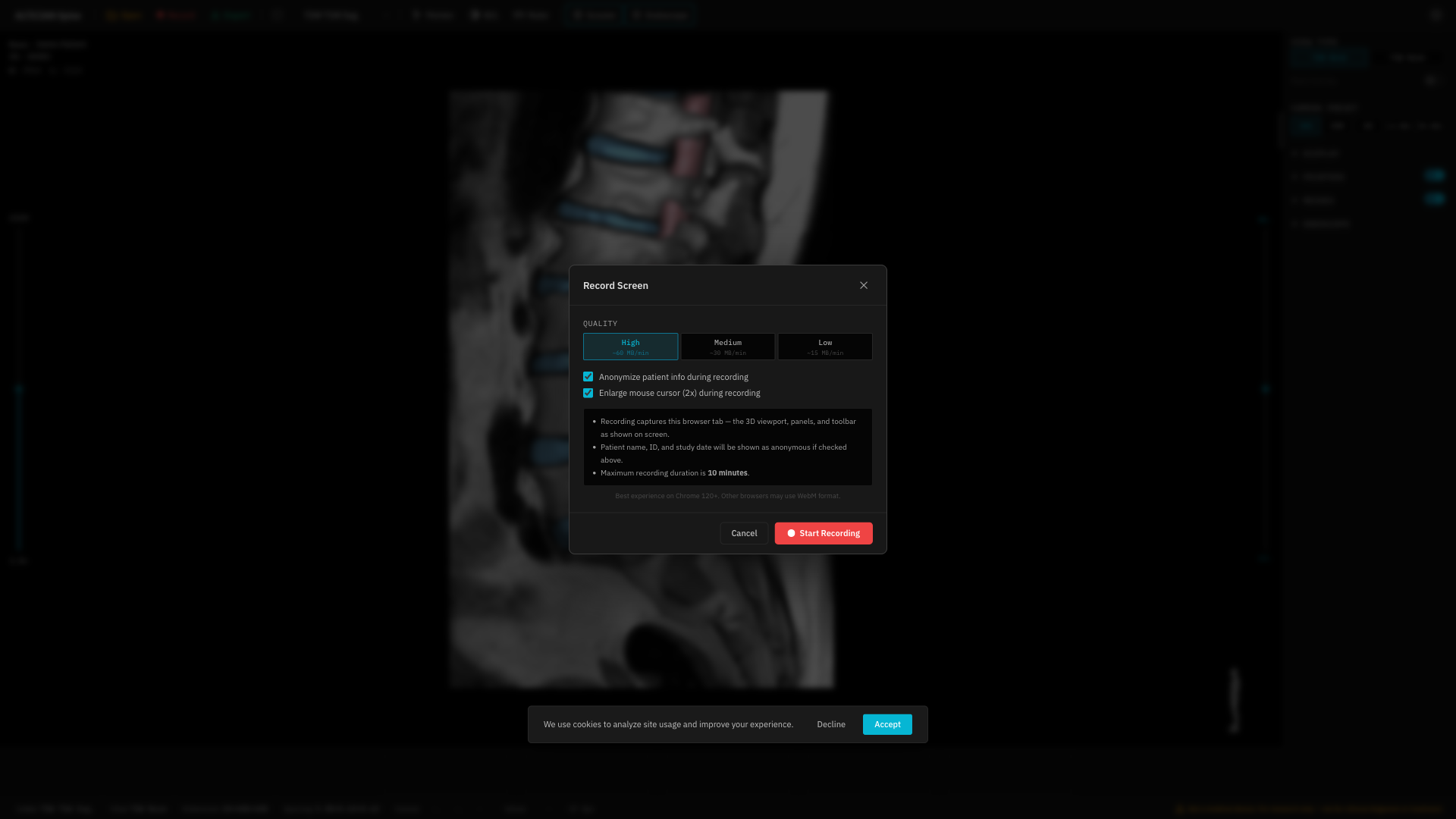
- In the recording modal, configure:
- Quality: High (~60 MB/min), Medium (~30 MB/min), or Low (~15 MB/min)
- Anonymize patient info: Check to hide patient details in the recording
- 2x Cursor: Check to enlarge the cursor for visibility
- Click Start Recording.
- Your browser will ask to share the tab — allow it.
During Recording
- A red border appears around the viewport to indicate recording is active.
- The Record button shows a stop icon.
Stopping
Stop the recording by either:- Clicking the Record button again.
- Clicking “Stop sharing” in the browser’s sharing indicator.