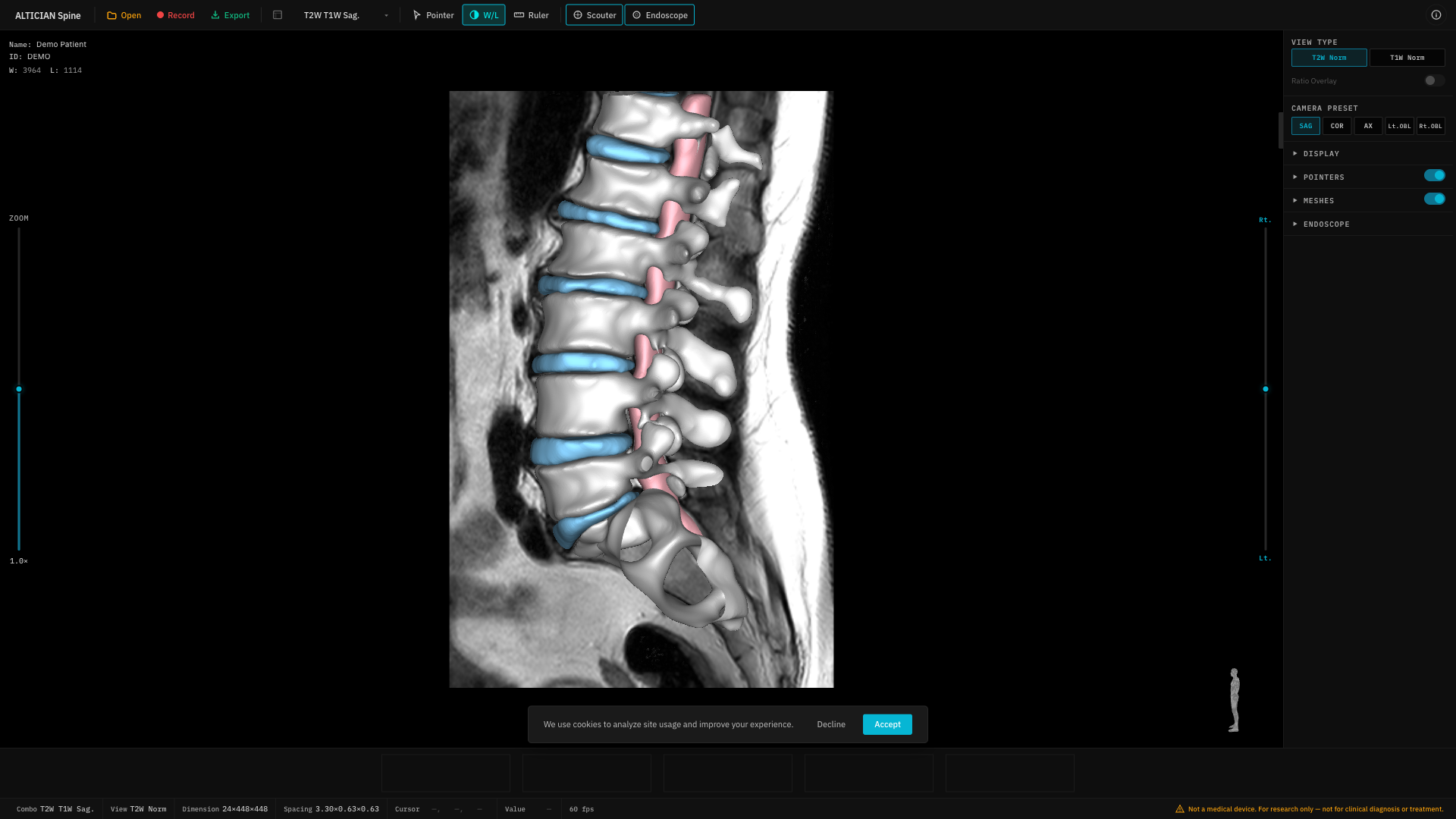
Click the W/L button in the toolbar to activate the window/level adjustment mode.
Usage
With the W/L tool active, click and drag on the viewport:
Reset
Click the Reset button to return to the default window/level values.
Activating W/L automatically deactivates Pointer and Ruler tools. Only one interaction tool can be active at a time.

