

Overview
The clip plane lets you cut through the 3D volume to reveal internal structures. Controls are in the Slice section of the right panel.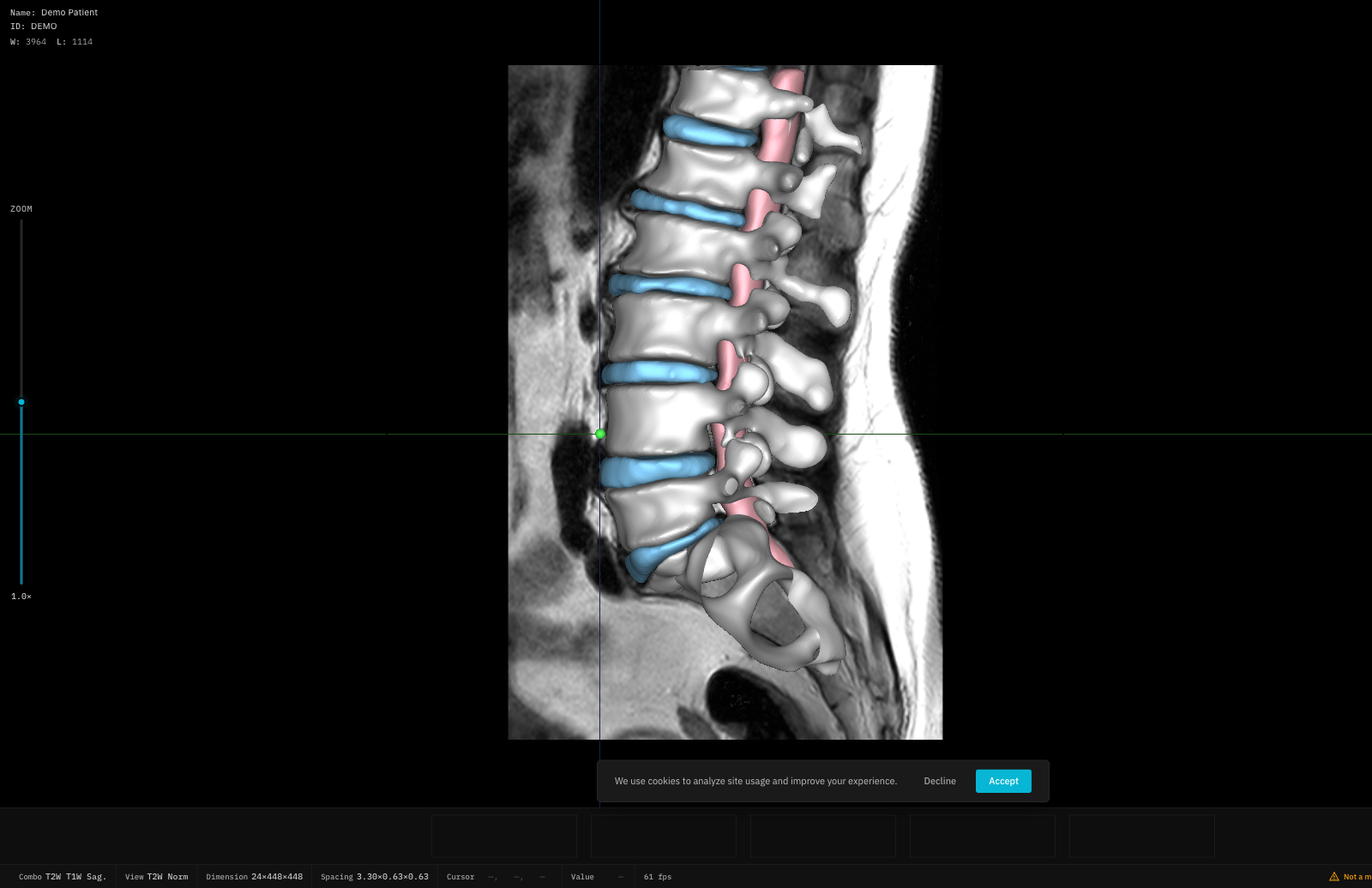
Axis Selection
Choose which axis to clip along:Position
Use the Position slider to move the clip plane along the selected axis (0–100%).Tilt Angles
Fine-tune the clip plane orientation with tilt sliders:- Tilt X: -90° to +90°
- Tilt Y: -90° to +90°
- Tilt Z: -90° to +90°
Adaptive vs Manual Mode
Adaptive mode requires an axial image profile to be available. If the profile is missing, Adaptive mode is disabled.
In Adaptive mode, manual tilt sliders are hidden — the clip plane angle is computed automatically.