

Mesh Visibility
Toggle the main mesh visibility using the eye icon in the Meshes section header.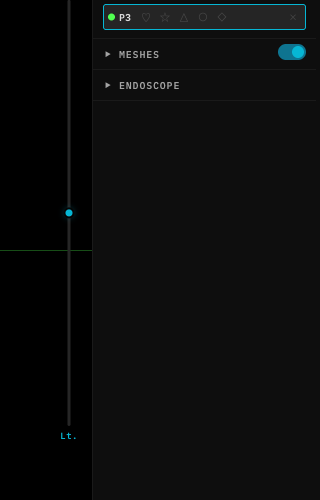
Display Options
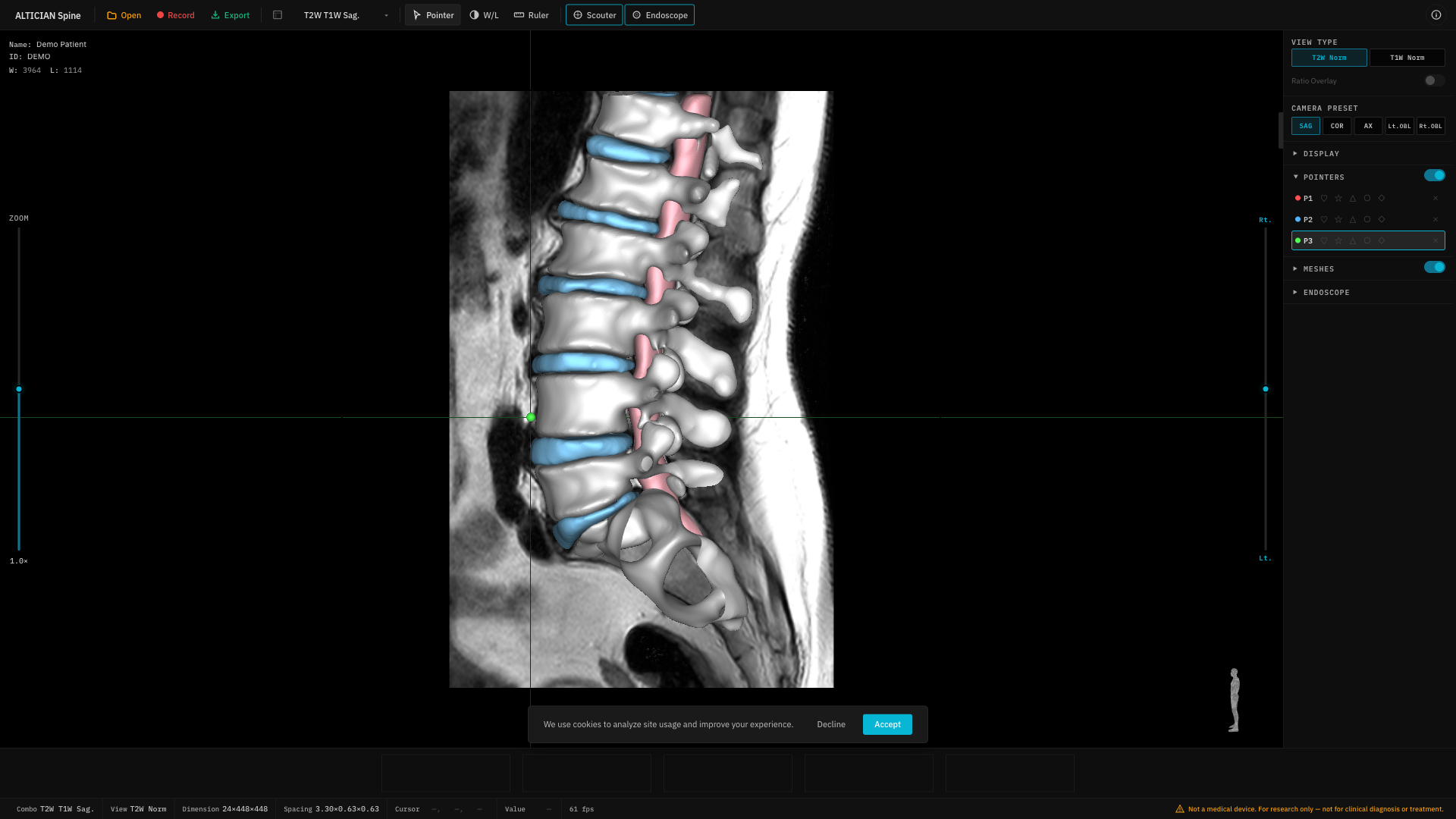
When meshes are hidden (eye icon off), the Transparency and Cut toggles are disabled (grayed out).
Label Controls
Each segmentation label (e.g., L1, L2, Disc L2/L3) can be toggled individually:- Click a label name to toggle its visibility.
- Use group headers (Vertebrae, Discs, Canal, Other) to toggle entire groups.
- Show All / Hide All buttons for quick batch control.