
Opening the Export Dialog

Click the Export button (green) in the toolbar to open the export modal. Export modal
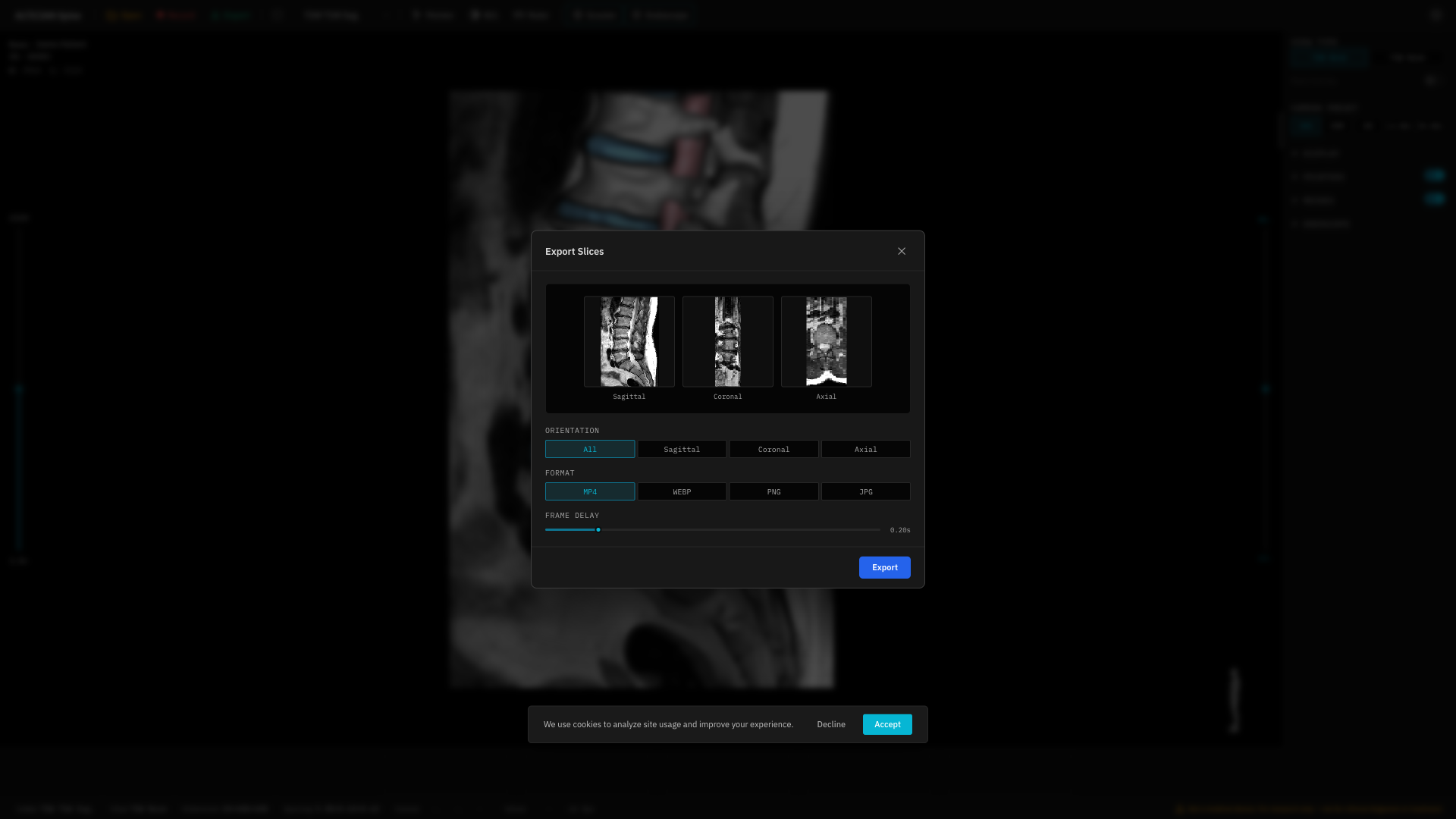
Format Options

FormatTypeNotes
MP4VideoRequires WebCodecs API (Chrome 94+)
WebPAnimated imageWidely supported
PNGStatic imagesLossless, one image per slice
JPGStatic imagesCompressed, one image per slice

Direction

Choose the slicing direction:
  • Sagittal — Left-right slices
  • Coronal — Front-back slices
  • Axial — Top-bottom slices
  • All — Export all three directions

Frame Delay

For animated formats (MP4, WebP), set the delay between frames (50–1000 ms).
Frame Delay is disabled for static formats (PNG, JPG).

Preview

The modal shows a preview before exporting — both static thumbnails and animated previews (for video/WebP).

Download

Click Download to save the export. Multi-file exports (PNG, JPG, All directions) are packaged as a ZIP file.
Export is only available when the viewer is active with a loaded volume. The button is disabled during loading or empty states.